
The Async Communication Challenge
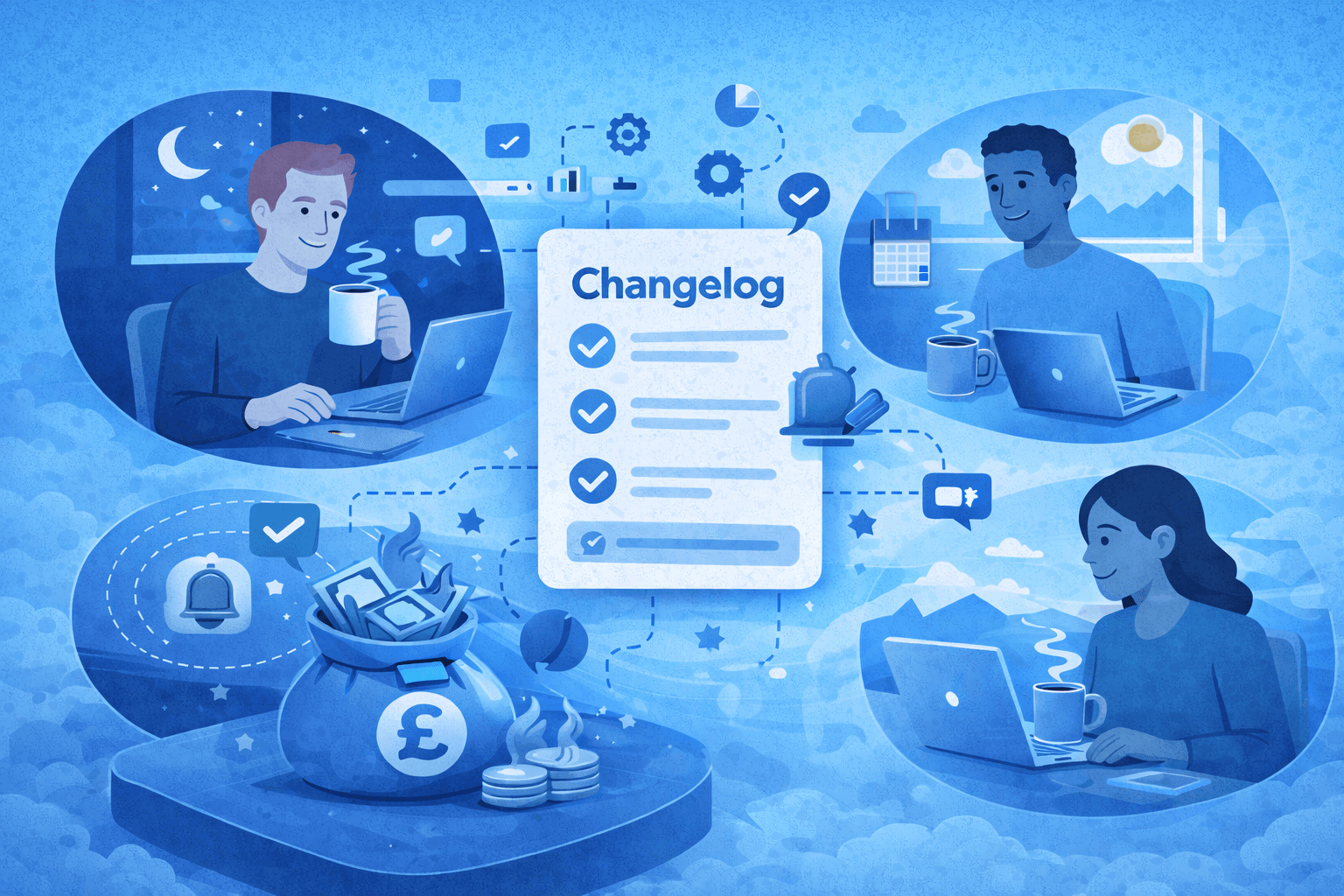
Distributed teams are the backbone of modern businesses, offering flexibility, access to global talent, and round-the-clock productivity. However, async communication—a necessity for these teams—comes with its own set of challenges. For product teams, this is especially true when managing changelogs.
Without clear workflows, changelog processes can lead to:
- Missed updates: Users and internal stakeholders don’t see critical changes.
- Delays: Time zone gaps slow down approvals and publishing.
- Duplicated efforts: Team members unknowingly work on the same changelog entries.
Why This Matters
A well-maintained changelog helps:
- Boost feature adoption: Users notice updates (and use them).
- Align global teams: Everyone stays on the same page.
- Minimize confusion: Clear updates reduce support tickets and internal miscommunication.
In this guide, we’ll show you how to overcome these challenges with a standardized async changelog workflow, real-world examples, and best practices that actually work.
Standardizing Changelog Writing Across Time Zones
For distributed teams, consistency is critical. A standardized process ensures updates are clear, timely, and accessible. Here's how to build a solid foundation:
1. Use a Unified Changelog Template
A consistent template keeps everyone aligned. Here’s an example:
| Field | Description | Example |
|---|---|---|
| Feature Name | Clear and concise update title | "Dark Mode Enabled" |
| Change Type | New feature, fix, improvement, etc. | New Feature |
| Summary | Brief explanation (1-2 sentences max) | "Users can now toggle dark mode for better readability at night." |
| Impact | Who benefits and how | "Improves UI for night-time users." |
| Release Date | When users can expect this change | December 20, 2025 |
| Links | Support docs, tickets, or feature guides | Dark Mode FAQ |
2. Set a Single Source of Truth
Avoid scattered updates in Slack, emails, or Google Docs. Use tools like:
- Notion: Great for collaborative documentation.
- SimpleDirect: A centralized platform for managing, automating, and publishing changelogs.
3. Timezone-Friendly Deadlines
Set deadlines with time zones in mind. For example:
- Submit updates by 5 p.m. UTC every Friday.
- Provide a 24-hour buffer to accommodate all team members.
4. Write in Plain Language
Your team and users may come from different cultural and technical backgrounds.
- Avoid jargon or overly technical terms.
- Use short, clear sentences.
Approval Workflows for Distributed Teams
Async workflows often hit roadblocks during the approval process. Here’s how to fix that:
1. Define Roles
Assign specific responsibilities to keep things moving:
- Author: Writes the changelog entry.
- Reviewer: Verifies accuracy and user impact.
- Approver: Gives final approval to publish.
2. Automate Notifications
Use tools that notify the right person at the right time. For example:
- When an entry is ready for review, Slack sends a direct notification to the reviewer.
- Once approved, the publishing team is alerted.
3. Fallback for Delays
Create a backup plan for when someone is unavailable.
- Example: If the main approver doesn’t respond within 12 hours, the secondary approver steps in.
Version Control: Managing Duplicates & Conflicts
Distributed teams often face problems like duplicate entries or conflicting updates. Here’s how to prevent that:
1. Enable Version Control
Use tools with built-in version tracking, such as Google Docs or SimpleDirect. These tools:
- Track changes in real-time.
- Allow rollback to previous versions.
2. Mark Updates in Progress
Avoid duplication by marking entries as “in progress” while they’re being edited.
3. Regular Syncs
Even for async teams, a brief weekly sync (15 minutes) can resolve overlapping work. This is especially helpful for major releases.
Example: Async Changelog Workflow
Here’s how a typical async changelog process looks:
Step-by-Step Workflow
- Team Member Submits Update
- Uses the changelog template in SimpleDirect.
- Marks entry as “Ready for Review.”
- Review and Feedback
- Reviewer is notified (via Slack or email).
- Reviewer adds comments or approves the entry.
- Approval and Publishing
- Approver reviews and gives the final sign-off.
- The changelog is automatically published.
- Stakeholder Notification
- Slack message or email sent to teams and users with a link to the changelog.
Workflow Map
| Step | Who | Tool | Timeframe |
|---|---|---|---|
| Write changelog entry | Author | SimpleDirect | 1 day |
| Review for accuracy | Reviewer | Slack/Notion | 12 hours |
| Final approval | Approver | SimpleDirect | 12 hours |
| Publish update | Publishing team | SimpleDirect | Immediate after approval |
Tools for Async Changelog Management
The right tools can make async changelog workflows seamless. Here’s a quick comparison of popular options:
| Tool | Best For | Key Features |
|---|---|---|
| Slack | Notifications and team communication | Automated notifications and reminders. |
| Notion | Collaborative changelog documentation | Centralized templates and comments. |
| SimpleDirect | End-to-end changelog creation and publishing | Automates approvals and publishes updates with ease. |
Best Practices: Ownership, Deadlines, Collaboration
To keep changelogs smooth and effective, follow these best practices:
1. Assign Ownership
- Make one person responsible for overseeing the changelog process (e.g., a “Changelog Manager”).
2. Set Clear Deadlines
- Example: “Updates must be submitted by 5 p.m. UTC every Friday.”
3. Encourage Collaboration
- Use tools that allow comments and suggestions from multiple team members.
4. Audit Regularly
- Review your changelog workflow every quarter to improve efficiency and fix bottlenecks.
Key Takeaways
- Standardize: Use templates and a single source of truth to ensure consistency.
- Streamline approvals: Define roles, automate notifications, and have a backup plan.
- Prevent conflicts: Use version control and regular syncs to avoid duplication.
- Leverage tools: Platforms like SimpleDirect make async changelog management easy.
- Follow best practices: Assign ownership, set deadlines, and encourage collaboration.
CTA: Set Up Async Changelog Workflows with SimpleDirect
Ready to simplify your changelog management? With SimpleDirect, you can automate notifications, streamline approvals, and keep your distributed team in sync.
Try SimpleDirect Today and start creating changelogs that work for your team—wherever they are.